
Video download6 min read
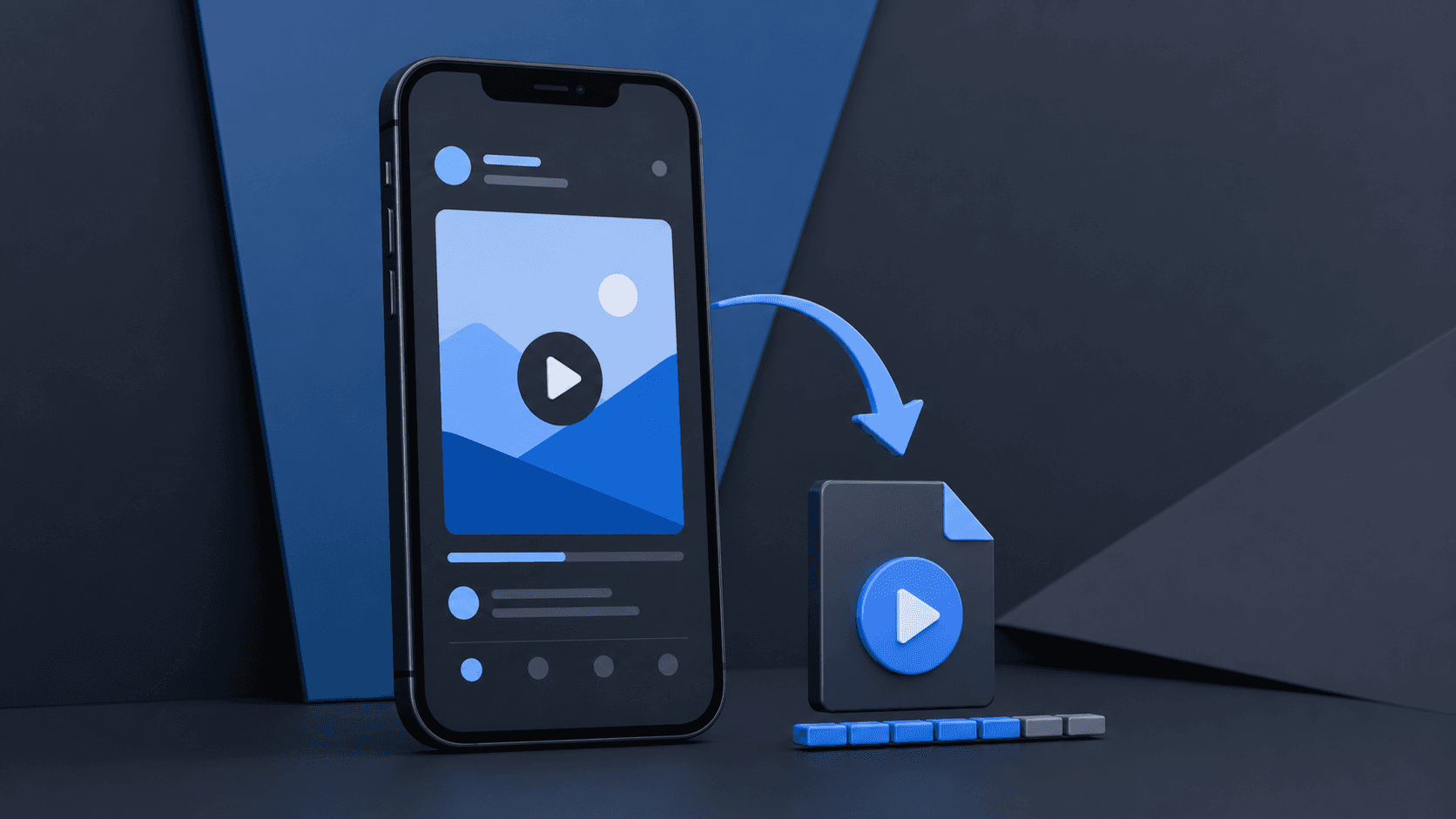
Twitter Video Downloader: Save Videos as MP4
Learn how to download a video from a public X post, choose an MP4 quality, and fix the most common link and download problems.
Read guideTwitterisX blog
How to view posts and profiles without an account, download videos and GIFs, save audio, and make clean tweet screenshots- plus the limits worth knowing before you save or share anything.

Step-by-step
Each post includes quick takeaways, exact steps, and answers to common questions.
Learn how to download a video from a public X post, choose an MP4 quality, and fix the most common link and download problems.
Read guide
Find out what public X content you can view without an account, why some posts still require login, and how public post tools work.
Read guide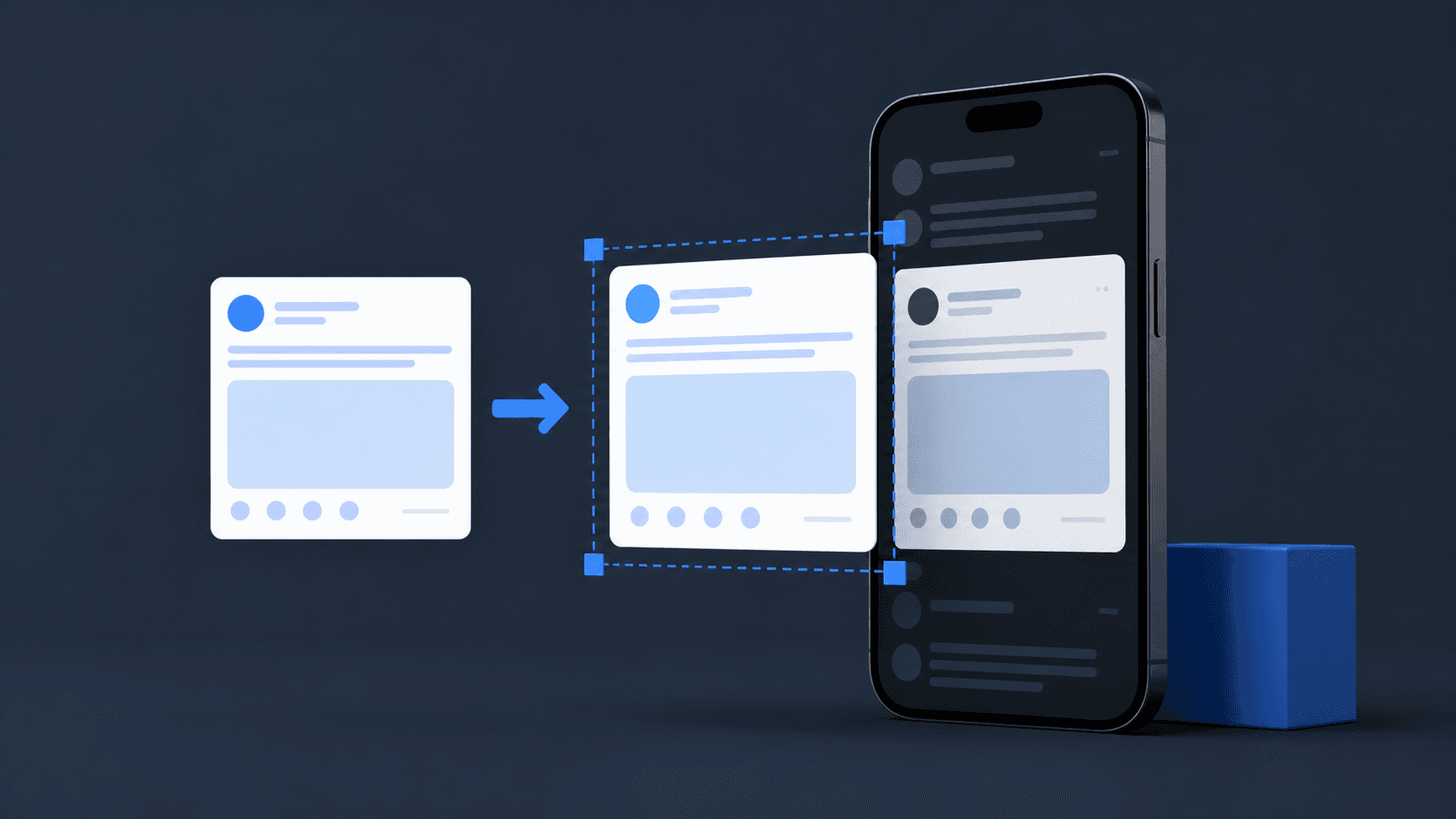
Create a readable Twitter screenshot or tweet image without browser clutter, while preserving the author, post context, and source link.
Read guide
Learn why X often stores GIFs as video and when to choose GIF instead of MP4.
Read guide
A complete guide to using a Twitter viewer to read X posts, replies, and profiles without an account- with the free tool built directly into this guide.
Read guide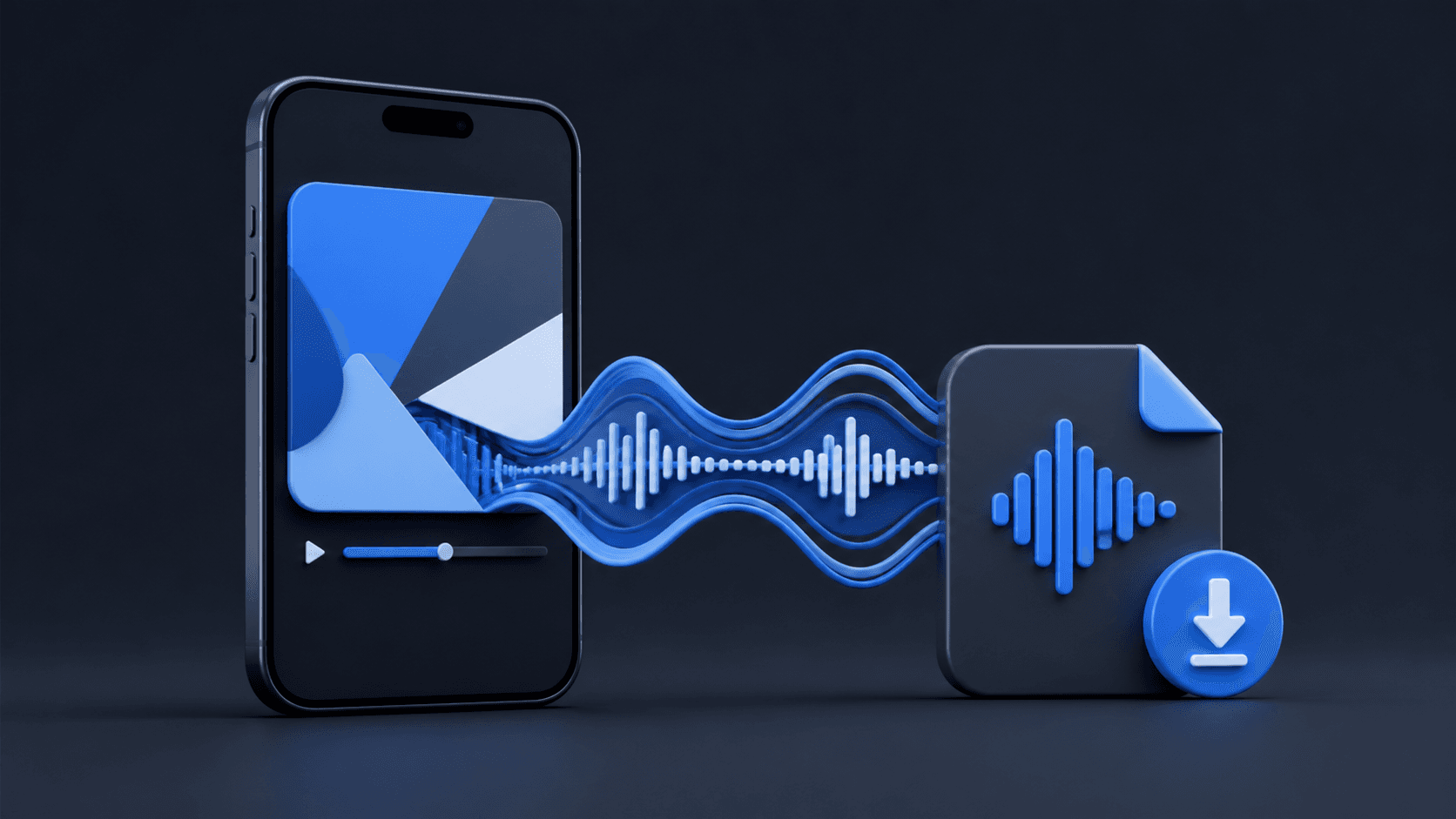
Extract MP3 audio from a public X video post in a few clicks. Step-by-step guide plus a free Twitter to MP3 converter built into this page.
Read guide
X does not reveal who viewed your profile. Learn what analytics actually show, why profile-viewer trackers are risky, and which engagement data is real.
Read guide
Nitter and a hosted Twitter viewer solve the same problem- reading X without an account- in very different ways. Here's the honest tradeoff between them.
Read guide
Save a public X video straight to your phone's camera roll- no app install, no login, works the same on iPhone and Android.
Read guide