
How to Create a Clean Twitter Screenshot
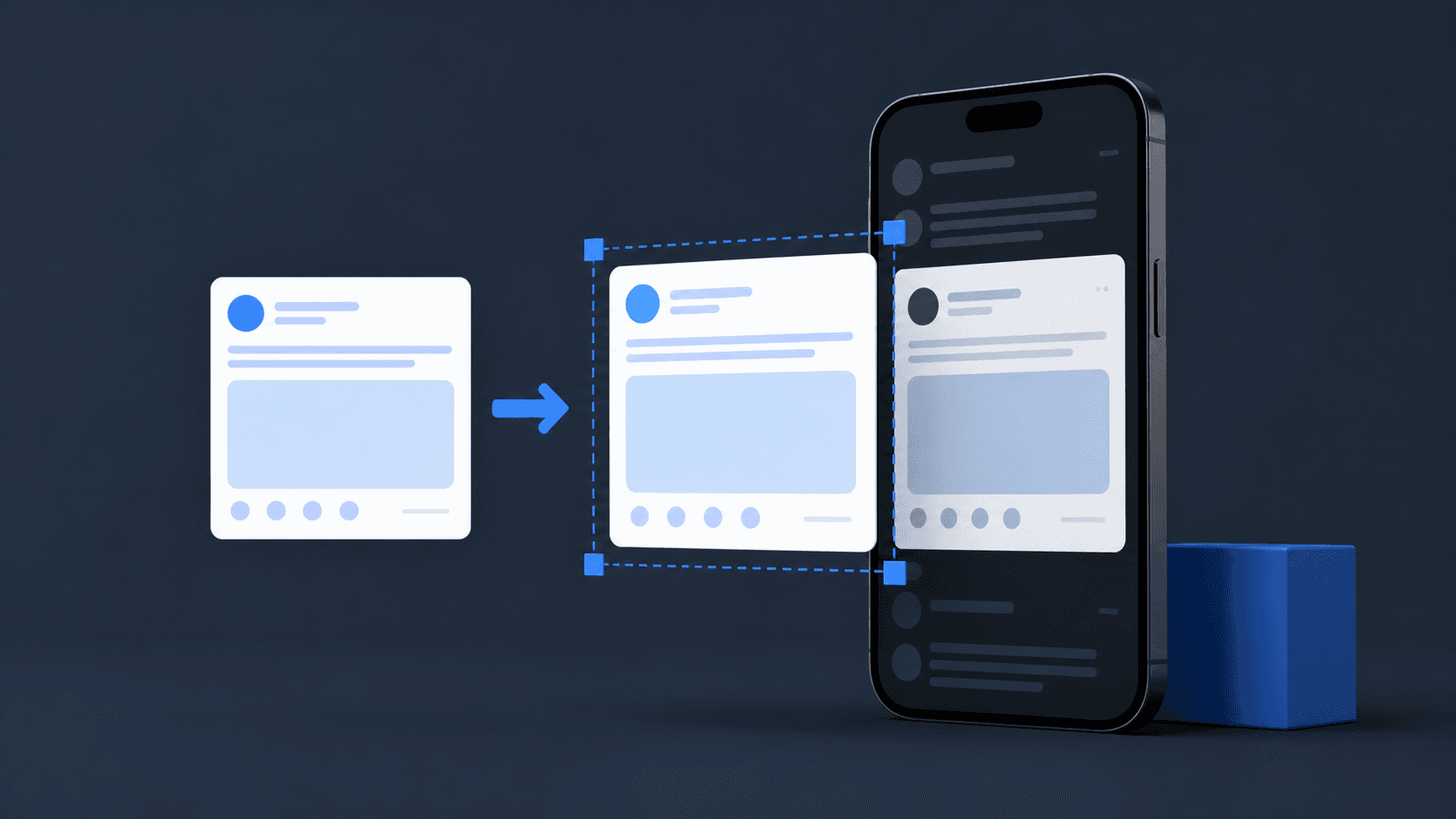
A normal screenshot often captures browser controls, notifications, uneven margins, and unrelated replies. A tweet-to-image converter produces a cleaner Twitter screenshot for slides, newsletters, research notes, and design references while keeping the post itself readable.
Quick answer
What to know before you start
- Start with the direct public post URL
- Keep author attribution and source context
- Verify important claims against the live post
Create a tweet screenshot in three steps
Start with the direct URL of a public post. A structured converter can load the post text and available context into a consistent card, which is easier to reuse than manually cropping a phone screenshot.
- 1
Copy the public post link
Use the Share menu on the exact post and copy its complete status URL.
- 2
Load and style the tweet image
Paste the URL, choose a light or dark card, and decide whether the date and engagement metrics belong in the image.
- 3
Review and export the PNG
Compare names, text, media, and line breaks with the live post before downloading the high-resolution image.
When a tweet image is better than a raw screenshot
A clean Twitter post image removes device-specific clutter and keeps visual treatment consistent across a deck or article. It also gives the text predictable spacing and preserves the author's display name and handle. This is particularly useful when several posts need to appear in one document.
Do not remove attribution to make someone else's words look like your own. When the post is evidence or a source, retain its URL and access date because a PNG cannot show whether the original was edited, deleted, or impersonated later.
Twitter screenshots are references, not proof
Any screenshot can be edited, and a fake tweet generator can create fictional mockups. Verify consequential claims against the live post, a trusted archive, or another primary source. If you create a mockup, keep its fictional label visible and never present it as a real statement.
Copyright and privacy obligations also follow the content. Public visibility does not automatically permit commercial reuse, and personal information may deserve careful redaction even when it appears in a public thread.
Found this guide useful?
Frequently asked questions
Can I screenshot a tweet without the surrounding interface?
Yes. A tweet-to-image tool can recreate the public post in a clean card without browser tabs, navigation, or unrelated replies.
Is a tweet screenshot proof that the post is real?
No. Images can be edited or generated. Check the original status URL and trusted archives when authenticity matters.
What format is best for a tweet image?
PNG is a strong choice because it keeps text and interface details sharp across presentations, documents, and social posts.